
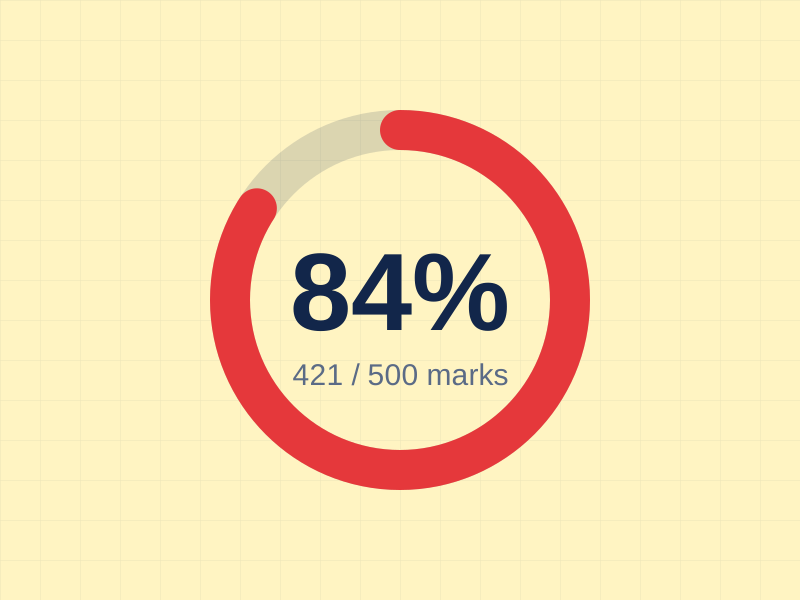
Percentage calculator
Convert marks obtained and total marks into a percentage and see if you passed.
Use this tool →megacalculator.online
Marking your papers...
Enter your subject marks and get your total, percentage, grade and GPA instantly. Free, private and built for students.
Pick the tool that matches your question. Each one runs in your browser, so your marks never leave your device.
Convert marks obtained and total marks into a percentage and see if you passed.
Use this tool →
Add courses, grades and credit hours to get your semester GPA on a 4.0 scale.
Use this tool →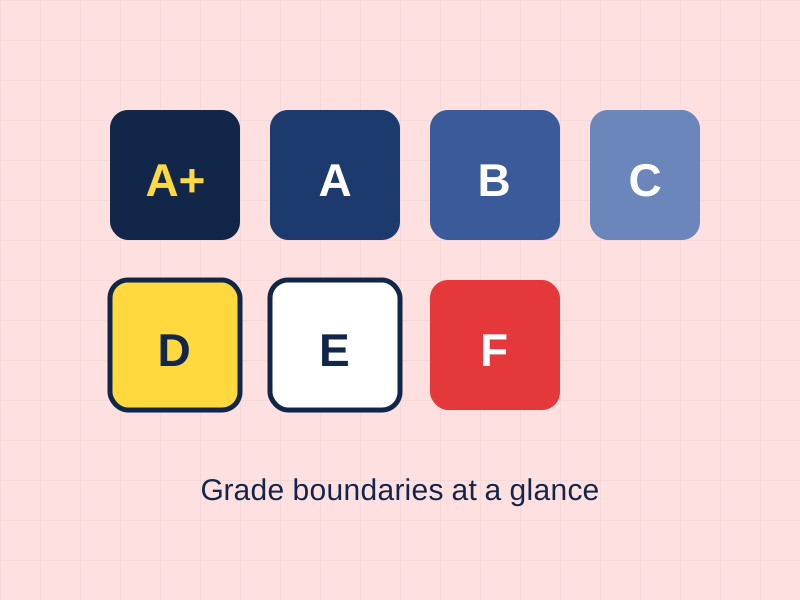
See what percentage you need for A+, A, B, C, D and E in the default grading scale.
Use this tool →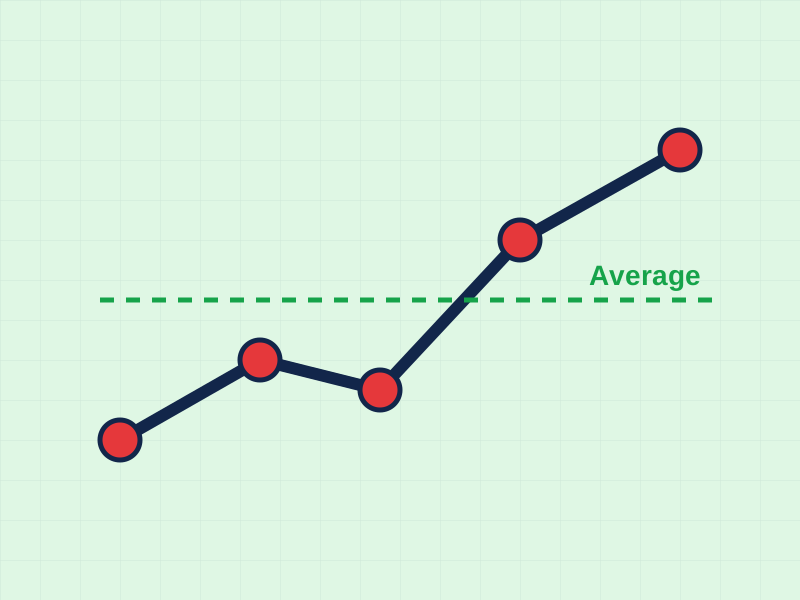
Find the mean of all your subjects and compare it with your target average.
Use this tool →A short guide to the formulas behind the results, so you can check the maths yourself.
Add every subject with the marks you scored and the maximum marks. The tool adds all scores, divides by the total, and multiplies by 100. It then compares the result with your pass mark and shows the matching grade.
Percentage = (Total obtained ÷ Total marks) × 100
Example: 421 marks out of 500 gives 84.2%, which is grade A.
Each letter grade is worth grade points (A = 4.0, B = 3.0, C = 2.0, D = 1.0, F = 0). Multiply the points by each course's credit hours, add them up, and divide by the total credits.
GPA = Σ(grade points × credits) ÷ Σ(credits)
Higher-credit courses count for more, so a B in a 4-credit course moves your GPA more than an A in a 1-credit lab.
The calculator uses this common scale. Your school may use different boundaries, so confirm them before you rely on a result.
A+ 90-100 · A 80-89 · B 70-79 · C 60-69 · D 50-59 · E 40-49 · F below 40
Your average shows how steady your performance is across subjects. Use it to spot weak subjects and set a realistic target for the next exam.
Average = Sum of subject percentages ÷ Number of subjects
No waiting. Results update the moment you press calculate.
Your marks stay in your browser. Nothing is stored or sent.
Designed for small screens, so you can check marks anywhere.
No account, no fees, no limits on how often you calculate.

Students Marks Calculator was built so no student has to do exam maths on the back of a notebook. We keep the tools simple, accurate and free, and we explain the formulas so you understand every number.
Have a grading scale we should add? Use the contact link in the footer and tell us.
Contact usWelcome to WordPress. This is your first post. Edit or delete it, then start writing!
Read article →Learn the simple formula to turn marks into a percentage, with worked examples you can copy.
Read article →Add up marks across subjects and find your overall percentage, step by step.
Read article →Divide the marks you scored by the total marks and multiply by 100. The calculator does this for every subject at once.
No. Boards and universities set their own boundaries. Use our scale as a guide and confirm with your institution.
Yes. Type your pass percentage in the pass mark box and the status updates when you calculate.
No. All calculations run in your browser and nothing is uploaded.